
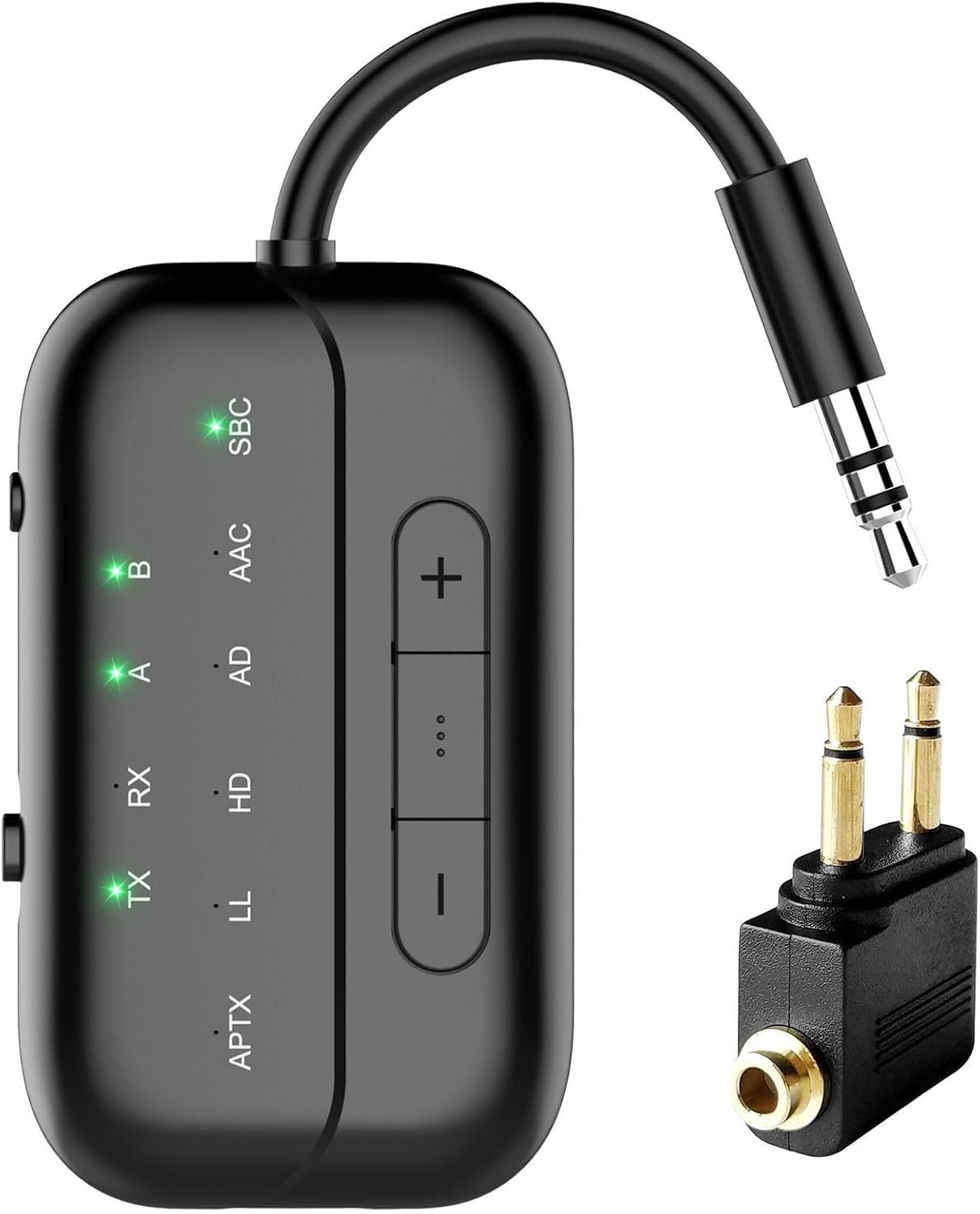
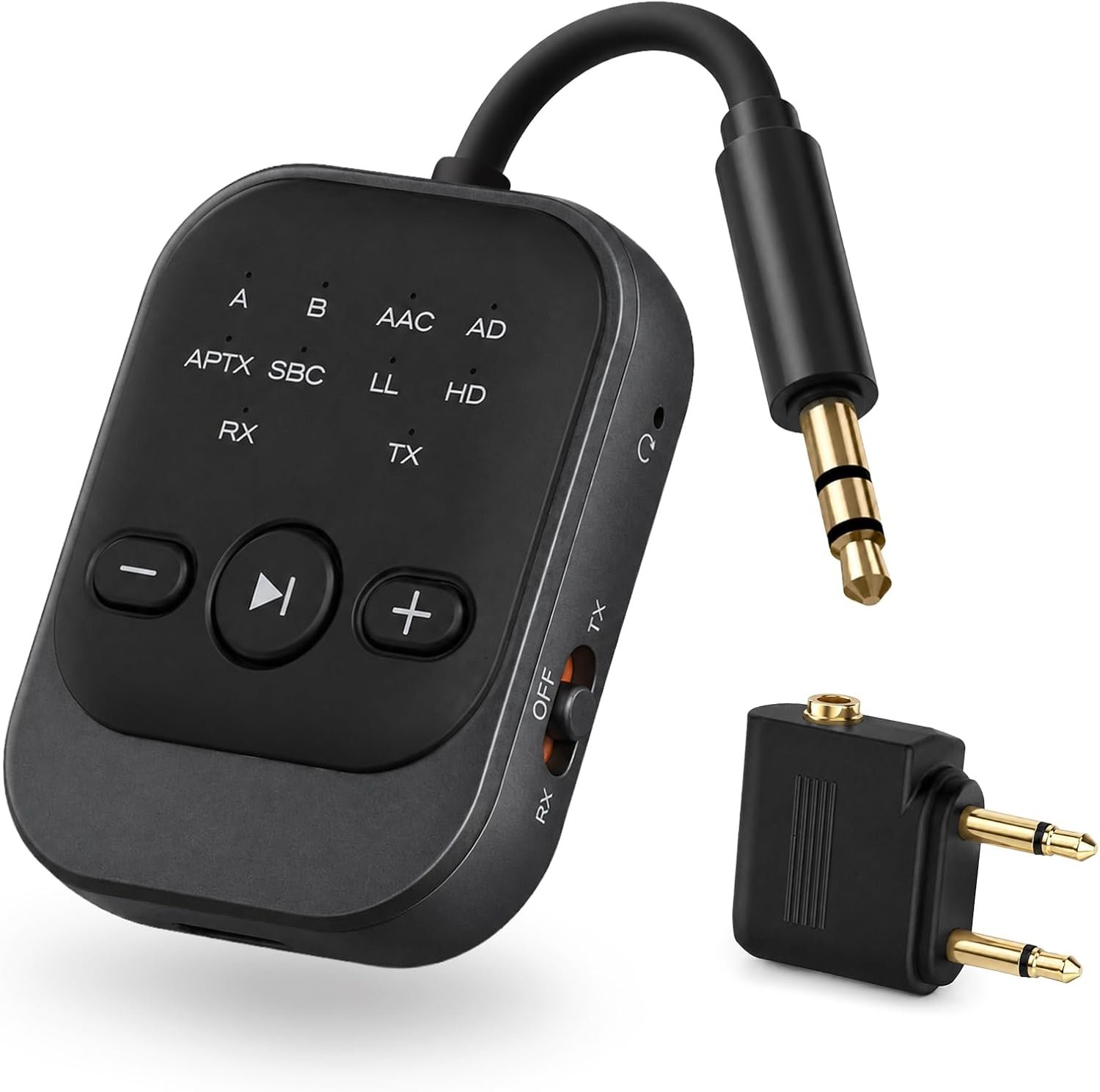
2-in-1 Bluetooth Transmitter Receiver, Bluetooth Adapter for Airplane & TV
$24.29
Related Products




Product description
The video showcases the product in use.The video guides you through product setup.The video compares multiple products.The video shows the product being unpacked. aplus content video
Before You Buy, Please Note:
B101 Pro Bluetooth Transmitter is not suitable for live music, musical instruments, or karaoke. We do not recommend using it for electronic pianos or guitars that require 2.4G transmission for audio synchronization.


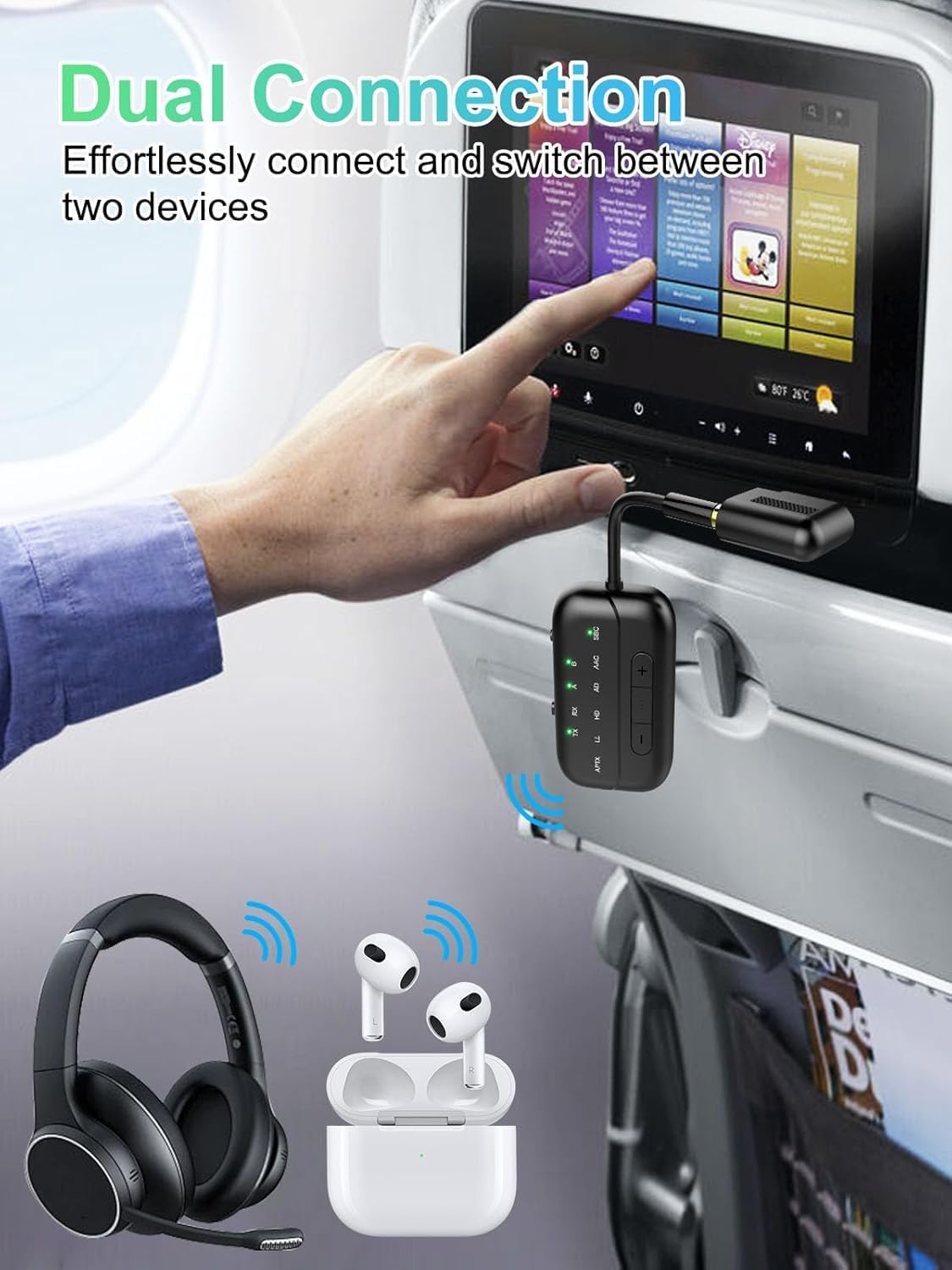
1 TX Mode – Airplane
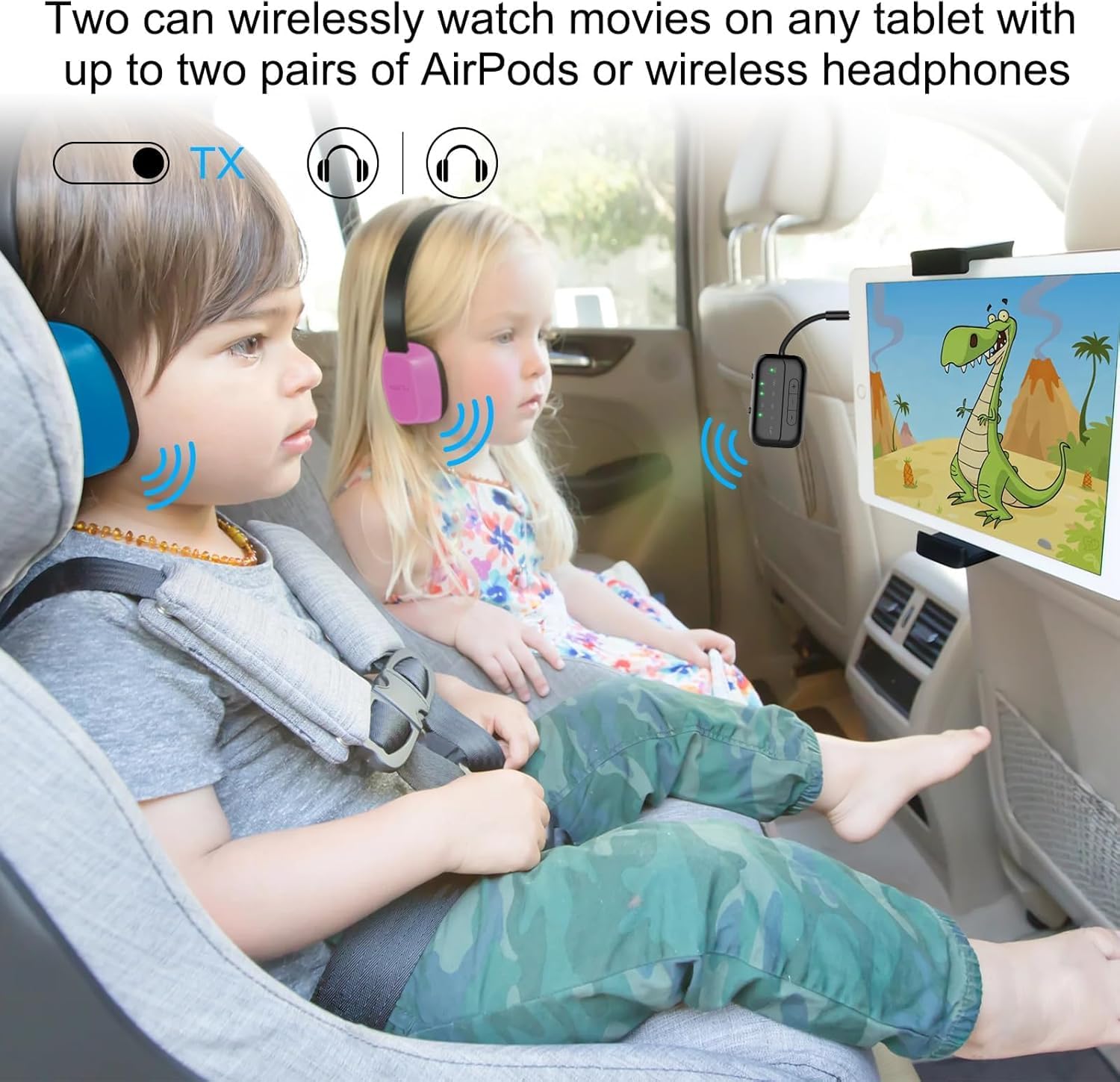
2 TX-Pair 2 Headphones
3 TX Mode—Connect TV
4 TX Mode-Gaming
5 RX Mode – Car Audio
About sound delay. If your headphones do not support aptX-LL/Adaptive technology, audio latency may occur. Not suitable for live music. Do not recommand use the B101 on music instrument like electronic piano or guitars, audio latency may occur. AirPods Series Apple earbuds (such asAirPods) support the SBC encoding format when connecting to devices Dual Link Mode Audio Format In Dual Link mode (connecting with 2 headphones simultaneously), the audio format will be limited to SBC only, and you cannot change it to other formats. How to reset the B101? When the device is powered on, press and hold the “P/R” key for 8 seconds. All LED lights will illuminate simultaneously, indicating a successful reset. How to connet to you TV? 1.Open your Bluetooth headphones or speaker and set it to Bluetooth pairing mode 2.Set the B101 to “TX” mode, double-click the “P/R” button to enter pairing mode; the “TX” indicator light will flash rapidly. When the “TX” and “A” indicator lights are on simultaneously, pairing is successful. 3.Insert the 3.5mm audio cable from the device into the TV’s audio output jack. If your TV lacks an audio output jack, use the RCA audio cable from the packaging, inserting it into the TV’s audio output jack No sound from TV? Please ensure that the aux cable is securely plugged into the “AUDIO OUT” or headphone jack on your TV, and confirm that both devices are successfully paired. Then, adjust the TV’s sound settings from “TV speaker” to “Audio out.” Does it fit AirPods 3 &Pro 2? Certainly! You can use these, as well as all other versions of AirPods, with Bluetooth transmitters. Ensure your AirPods are updated to the latest firmware version. If you encounter difficulties connecting one or both earpieces, try resetting both the AirPods and the B101 transmitter, then pair them again. To reset the B101, power on and press the “P/R” button for 8 seconds until all lights illuminate, indicating a successful reset. How to pair AirPods with B101? 1, Place the AirPods in the charging case. Open the lid. Press and hold the button on the back of the charging case until the case’s light flashes white. 2,Set the B101 to “TX” mode,Double-click the “P/R” button to enter pairing mode, the TX indicator light will flash rapidly. When both the “TX”and “A” indicator lights are on simultaneously, pairing is successful. aptX low latency in TX mode? The airplane Bluetooth adapter features support for aptX-LL low-latency decoding technology (<40ms) in TX mode,if you encounter significant delays, please first check the audio source and ensure that your device also supports aptX-LL. Haven’t been able to connect? If there are a lot of Bluetooth signals around you, please clear the pairing and then reconnect your own device. Suddenly stopped working? Please check if there are any other Bluetooth devices nearby, such as your phone’s Bluetooth? Sometimes, the headphones might be occupied by the phone’s Bluetooth, causing it to turn off unexpectedly. Please try turning off the Bluetooth on your phone. We’ve encountered this issue ourselves while using Bluetooth devices; it’s a common occurrence with Bluetooth devices. Only one ear works? Please turn off the transmitter and then turn it back on. This may be because the earbuds are not paired correctly. I suggest placing both earbuds back into the charging case to ensure they are fully charged. Then, wait for them to pair with each other. You should see a confirmation light or hear a sound indicating successful pairing. Once the left and right earbuds are successfully paired, you can proceed to pair them with the wireless audio receiver/transmitter. What’s in the box? 1 x Bluetooth Transmitter Receiver; 1 x Audio connector for aircraft;1 x USB charging cable (21.5 inches); 1 x 3.5mm Audio Female Plug; 1 x RCA Audio Cable (9 inches); 1 x User Manual; 1 x Lanyard.
Beeitzie Bluetooth Adapter
Add to Cart
Add to Cart
Add to Cart
Add to Cart
Customer Reviews
4.3 out of 5 stars 1,415
4.3 out of 5 stars 1,415
4.4 out of 5 stars 761
4.4 out of 5 stars 761
4.3 out of 5 stars 858
4.3 out of 5 stars 858
4.2 out of 5 stars 1,306
Price
$24.29$24.29
$32.99$32.99
—
—
$19.99$19.99
$23.99$23.99
—
Playtime
24 Hours(RX), 20 hours(TX)
24 Hours(RX), 20 hours(TX)
24 Hours(RX), 20 hours(TX)
24 Hours(RX), 20 hours(TX)
26 Hours(TX)
26 Hours(TX)
20 hours(RX)
Dual Pairing
YES
YES
YES
YES
YES
YES
YES
Transmission Range
10M
10M
10M
10M
10M
10M
10M
Decoding Mode
AAC, SBC, APTX LL, APTX HD
AAC, SBC, APTX LL, APTX HD
AAC, SBC, APTX LL, APTX HD
AAC, SBC, APTX LL, APTX HD
SBC, APTX LL
SBC, APTX LL
—
Recommended For
Airplane, TV, Car/Home Stereo
Airplane, TV, Car/Home Stereo
Airplane, Car, TV, Home Stereo
Airplane, Car, TV, Home Stereo
Airplane, TV, Gaming
Airplane, TV, Gaming
Car/Home Stereo
Button
MFB, Volume Up/Down,P/R
MFB, Volume Up/Down,P/R
MFB, Volume Up/Down,P/R
MFB, Volume Up/Down,P/R
MFB
MFB
MFB, Volume Up/Down
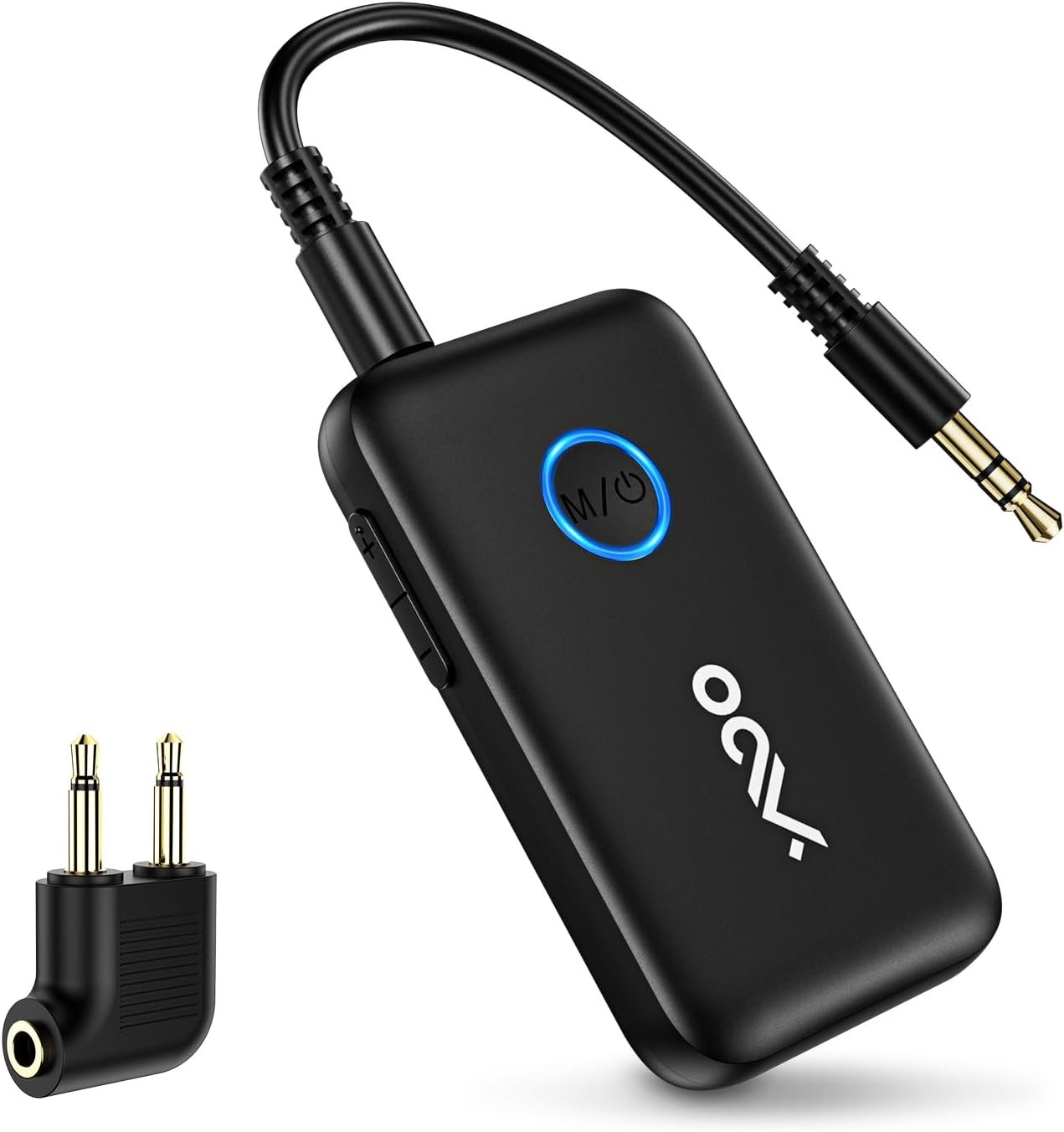
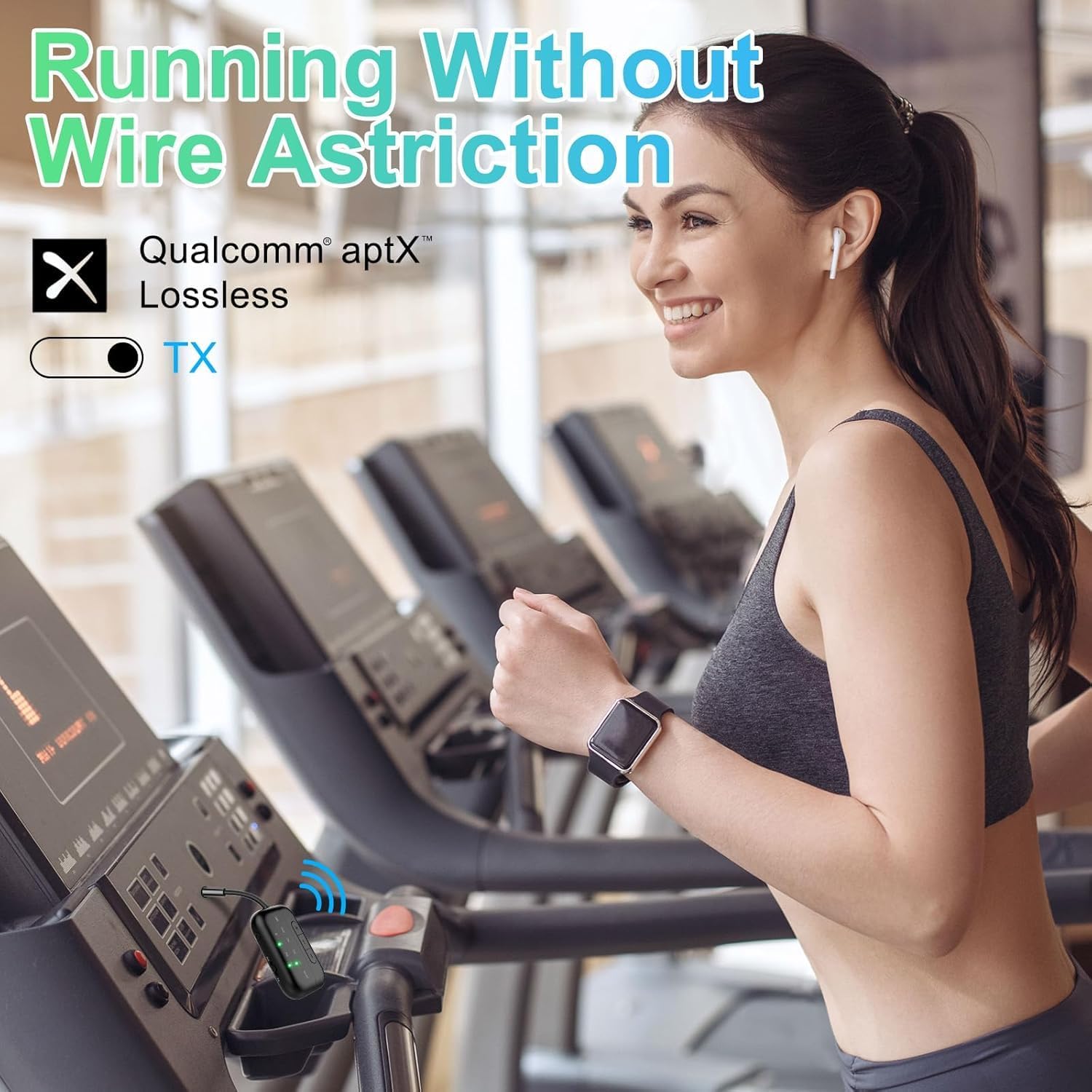
Bluetooth Transmitter for TV & Airplane — Lossless Audio from Any 3.5mm Jack: Plug into any airline entertainment system or TV audio port and stream crystal-clear sound to your wireless headphones. Includes a dual-prong adapter that fits every in-flight screen. No more tangled cords or overpriced airline rentals.
2-in-1 Bluetooth Transmitter & Receiver — One Device, Two Ways to Listen: In TX mode, use this Bluetooth adapter for TV to send audio from your television to Bluetooth headphones — perfect for late-night watching without disturbing anyone. In RX mode, pair your phone to turn any car stereo or home speakers into a wireless sound system.
Under 40ms Lag with Qualcomm Chip — No More Lip-Sync Issues: Powered by Qualcomm aptX Low Latency, this Bluetooth transmitter for airplane delivers under 40ms delay — voices match lips and explosions hit on time, whether you’re gaming on TV or watching movies on a flight. Connection stays stable even if you walk to the kitchen mid-show.
25-Hour Battery & Dual-Headphone Sharing: One charge lasts a coast-to-coast flight plus layover. This airplane Bluetooth adapter connects two pairs of headphones at once in TX mode — perfect for couples or kids sharing the same in-flight movie. USB-C fully refuels in just 2 hours.
CHECK BEFORE BUYING — What This DOES & DOES NOT DO: Works with: Airplane screens, TVs, car stereos, gym equipment — any 3.5mm jack device. Use it as a Bluetooth adapter for airplane on flights, or as a Bluetooth adapter for TV at home. Does NOT work with: Hearing aids, musical instruments, or as a standalone speaker. This is a transmitter & receiver — it does not record or amplify sound.
13 reviews for 2-in-1 Bluetooth Transmitter Receiver, Bluetooth Adapter for Airplane & TV
Add a review
$24.29
George J –
Stanley –
Amazon Customer –
palealien –
JE –
Amazon Customer –
Robert Muh –
Benjamin Thomas –
TG’s Take –
Mr. S. Spinks –
Heather Kearns –
Andrei K. –
Matt –